
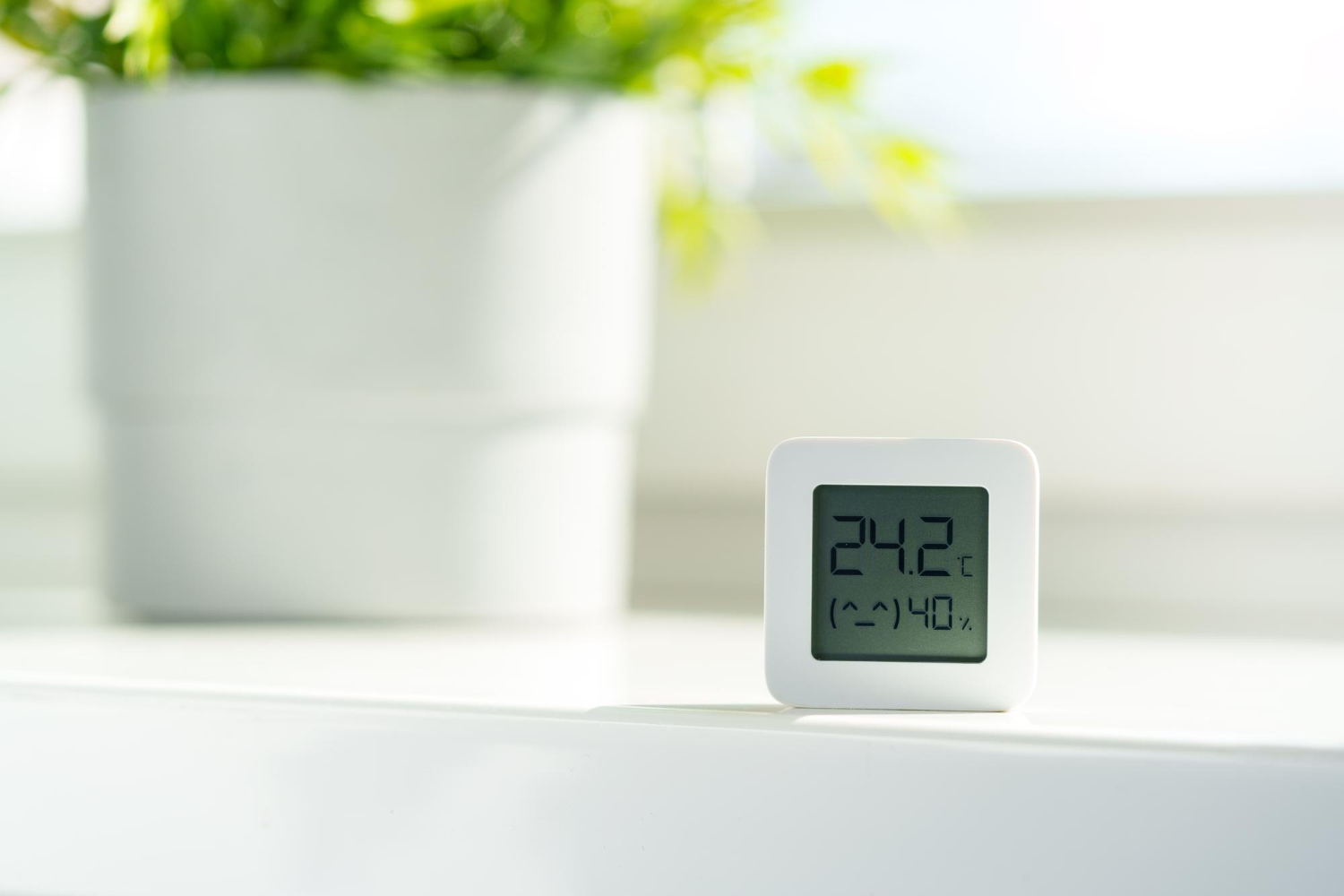
As spring warms up in Durham, NC, it’s not unusual for the thermostat to become a hot topic at work. Whether someone’s bundled in a hoodie or cracking open a window, keeping the office comfortable can feel like a never-ending tug-of-war. That’s when the question comes up, what does OSHA say about all this?
When it comes to OSHA office temperature rules, it’s less about strict numbers and more about shared comfort and safety across the workplace. OSHA gives helpful guidelines that aim to keep working environments safe, not frozen or overheated.
Let’s break down what this guidance actually means, why spring can make things trickier, and how we can help avoid temp disputes and stuffy rooms with some thoughtful steps.
What OSHA Says About Office Temperature
OSHA doesn’t list an exact number for what a workplace temperature should be. Instead, they recommend keeping conditions safe and reasonably comfortable for staff. That includes watching for temperature-related concerns but also checking on indoor air quality.
According to OSHA’s guidance, most people are comfortable in temperatures between 68 and 76 degrees Fahrenheit. But what counts as “comfortable” changes depending on who you ask. Some workers run cold, others run warm. So OSHA puts the focus on avoiding conditions that could be harmful, like spaces that get too stuffy, too hot, or trigger issues like fatigue or dehydration.
Temperature connects closely with other comfort factors too, like airflow and humidity. That’s why OSHA encourages employers to take steps that support overall thermal comfort. In their view, this helps with both safety and productivity on the job.
Common Spring Temperature Challenges in Office Environments
Spring brings fresh air and blooming flowers, but it also changes how buildings feel inside. One day starts cool and ends warm. Another day might flip-flop between clouds and sun. When outside temperatures won’t pick a lane, indoor temperatures tend to follow that lead.
These swings often trigger what some call “thermostat wars.” In shared office spaces, it’s tough to keep everyone happy. One person may feel flushed while the coworker next to them is chilly. Vents might point directly at someone’s desk, or strong sun through windows could heat up a room faster than the AC can catch up.
Spring can also bring higher humidity and pollen. Both affect how comfortable a space feels. High humidity can make a normal room feel sticky. Pollen sneaking in can cause breathing trouble, especially if ventilation isn’t moving fresh air well.
That’s why this season makes it harder to predict how comfortable a meeting room or desk area will stay throughout the day.
Tips for Managing Office Temperatures Without Breaking OSHA Guidance
Keeping everyone comfortable without breaking rules starts with paying attention to what the space is actually doing. That means knowing what’s happening with air movement, temperature levels, and hotspots, not just reading a single wall thermometer.
Here’s what helps:
- Use real-time tools to measure temperature and airflow where people actually work
- Schedule spring inspections and cleanings for HVAC units so filters and vents stay clear
- Check where thermostats and vents are placed to make sure readings reflect active rooms, not just empty walls
- Avoid putting printers or electronics near thermostats, since they can throw off temperature readings
- Consider desk placements near windows and vents when airflow feels uneven or inconsistent
Qualified Controls offers sensor solutions for offices that provide real-time monitoring of temperature, humidity, and air quality. Our advanced dashboards give facility managers a full picture of thermal comfort conditions, and alerts can be set to identify hot or cold spots before they become disruptive.
These steps go further than just taking a guess. They help manage spring’s mood swings and take some of the pressure off employees who feel stuck asking for fans or extra sweaters.
Why Consistent Monitoring Helps with Staff Comfort and Compliance
When we track temperature across the workspace the right way, we don’t just catch when it’s getting too hot or cold. We build habits that show we’re paying attention to how workers feel in their environment.
A consistent system makes it easier to stay ahead of uncomfortable conditions. For places with shared spaces or separate rooms, it helps spot patterns, like which rooms get warm the fastest or where airflow tends to stall.
It also gives a record that shows we’re staying responsible. If someone raises a concern or if a manager needs to review past conditions, digital logs make it easier to respond with facts instead of guesswork. And that can help defuse arguments before they get personal.
Qualified Controls’ continuous monitoring tools are designed to support comfort and compliance, keeping digital logs for audit trails and helping teams respond fast when comfort levels slip.
Feeling too warm or cold can really affect someone’s day. But knowing there’s a steady check-in behind the scenes adds a layer of trust. No one wants to file complaints about the air. They’d rather know the system’s already watching out for them.
A Smoother Spring Means Fewer Temperature Conflicts
A workplace doesn’t need to maintain perfect temperatures to satisfy OSHA guidance. But knowing how OSHA office temperature suggestions apply, and planning for the seasonal swings that spring brings, can go a long way toward keeping everyone comfortable.
By staying alert to the way temps shift in spring and setting up good monitoring habits, we help keep things steady, not stressful. That means an easier season for those managing the building, and a better workday for the people inside.
At Qualified Controls, we help businesses in Durham, NC maintain comfortable and consistent workplaces during the unpredictable spring months. Our advanced sensors provide real-time insights into airflow, humidity, and temperature patterns throughout your building so you can address potential issues before they become complaints. Not sure where to begin? Learning more about how an OSHA office temperature setup fits your workspace can clarify your next steps. Contact us today to explore solutions for your needs.